#Sign up
- Go to https://app.verasight.io/register/researcher.
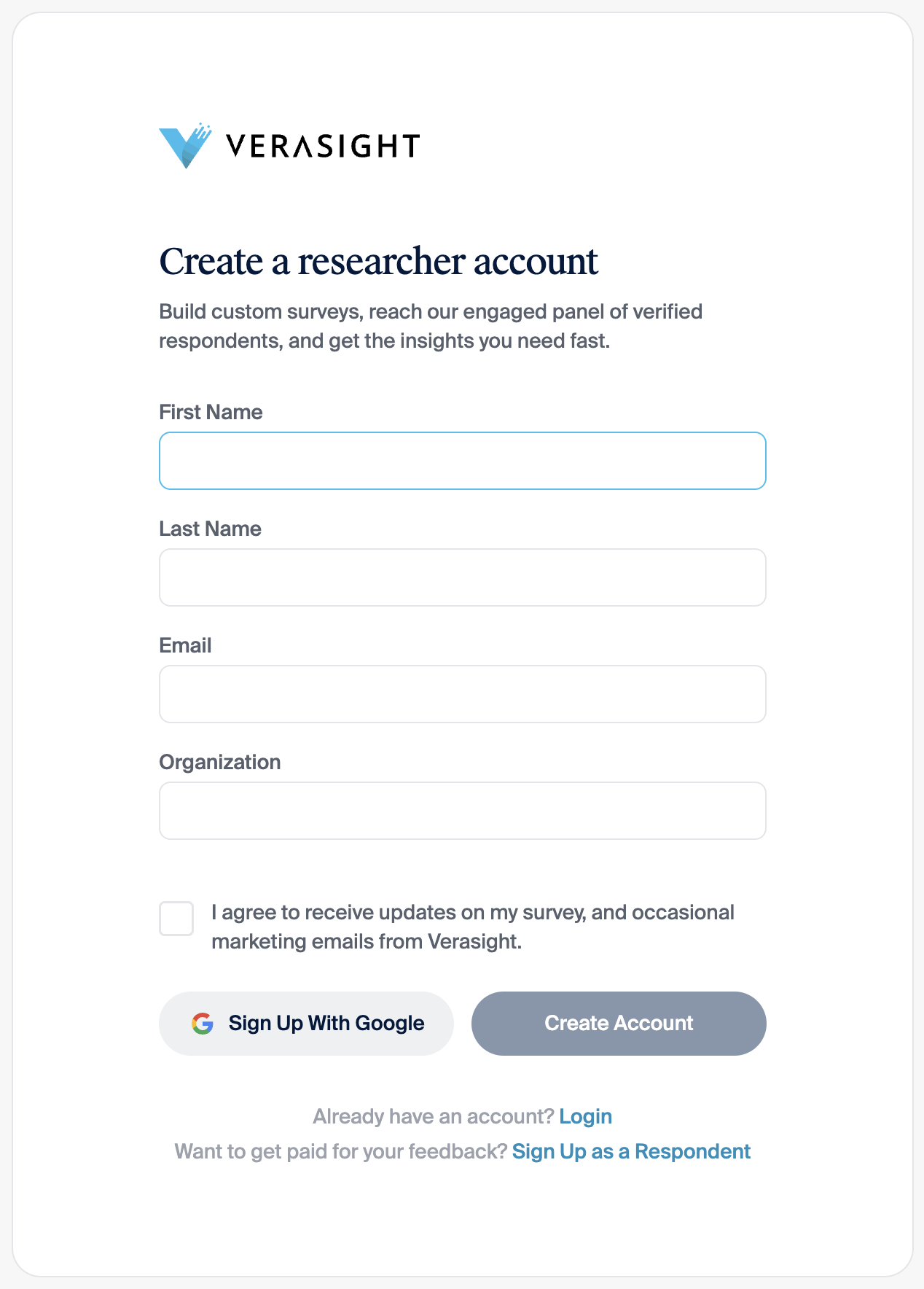
- On the Create a researcher account form, enter your first name, last name, email, and organization, then click Create Account. If you have a Google account, you can click Sign Up With Google instead, so you do not need a separate login. The form has no invitation-code field.
- Follow the email confirmation step on the page.
- Once you sign in, your researcher dashboard is at https://app.verasight.io/researcher.
If the sign-up page does not load or you created a respondent account by mistake, see Troubleshooting.